AI Skills · PRACTICAL GUIDE
Delegate a complete task to Copilot or ChatGPT Work
Write a clear assignment, choose authorized sources, define review points, and evaluate the documents an AI assistant produces.
Watch the original tutorial
Open the original video on YouTube ↗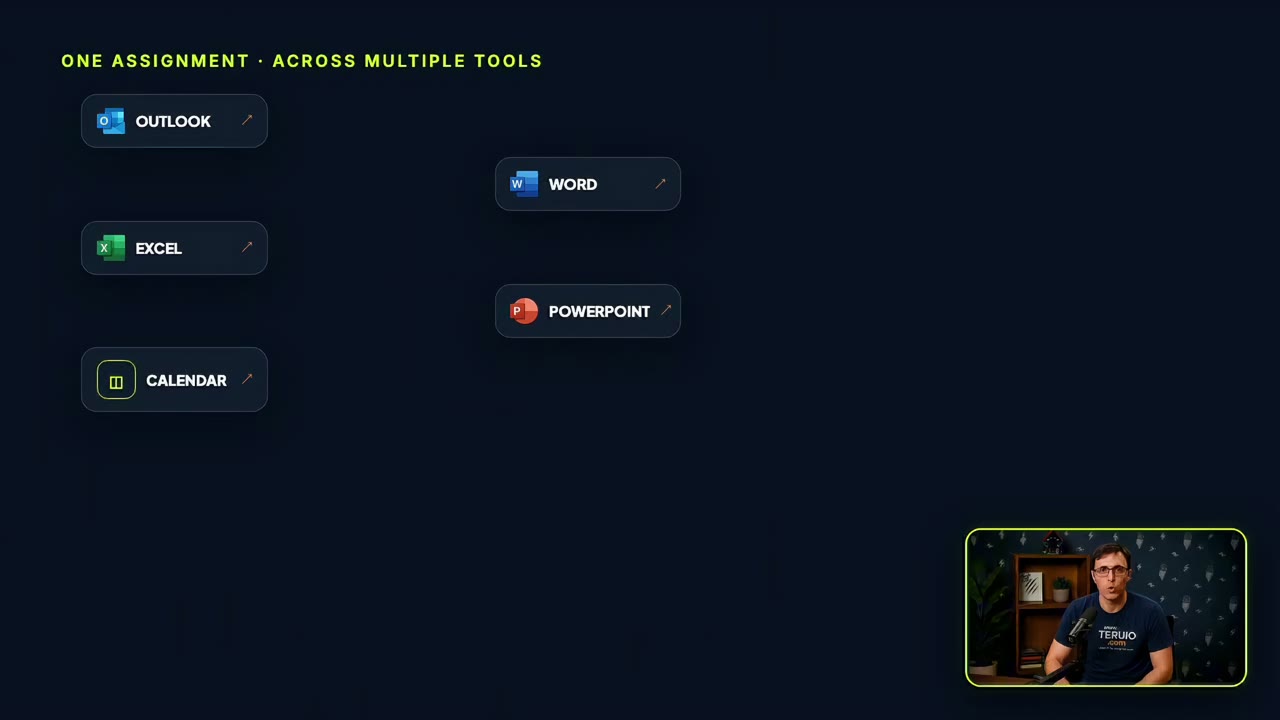
A useful assignment describes a finished outcome, not just a question. In Thiago’s video, the example is a company volunteer day: find last year’s context, propose responsibilities, and prepare a planning brief, task tracker, and kickoff presentation.
The video compares Copilot Cowork and ChatGPT Work. This guide focuses on the delegation method, which you can adapt to the approved tool available to you. Account access, billing, connected applications, and rollout details can change; check them in your own environment before depending on a particular capability.
What you’ll learn
- Turn a broad goal into a reviewable assignment.
- Identify the information and permissions the task actually needs.
- Check progress without taking over every small step.
- Evaluate a recurring workflow before scheduling it.
1. Choose the environment that can use your sources
List where the relevant information lives: documents, email, calendar, notes, or team discussions. Confirm which of those sources your tool can access and which your organization permits it to use.
An available personal account is not automatically an appropriate destination for company records. If a connection or feature is unavailable, narrow the task to authorized files you can supply. The core exercise can be completed by preparing documents without sending messages or creating meetings.
2. Define the finished result
For the volunteer-day example, name the required outputs: a planning brief, a task tracker, and a kickoff outline. Define what each should contain. Specify the audience, dates, source material, and constraints.
OpenAI’s ChatGPT Work getting-started guidance similarly recommends describing the outcome, sources, constraints, quality expectations, and review points. Use this adapted assignment:
Use the supplied information from last year’s volunteer day to prepare a draft plan for this year. Identify prior contributors and their recorded responsibilities. Propose a planning brief, task tracker, and kickoff outline. Separate confirmed facts from suggestions, cite source records, and list missing information. Do not assign people, send messages, or create calendar events. Return the drafts and decisions I need to review.
The instruction makes a distinction between proposing a responsibility and assigning it. Keep that distinction in the output as well.
3. Review the plan and source coverage
Check that the assistant found the intended records and understands the year, event, and participants. If last year’s information is incomplete, ask it to show the gap instead of reconstructing a fictional history.
Read its proposed steps. A plan that assumes access to a missing calendar or promises to contact people before review needs correction. Give targeted feedback early, while the assistant is still forming the deliverables.
4. Inspect the actual outputs
Open every produced file. Compare names, dates, responsibilities, and dependencies across the brief and tracker. Make sure the kickoff outline asks for the decisions the plan actually needs.
Check whether links work, calculations are correct, and the files were saved in the expected place. A completion message is not enough. If a task remains blocked by missing information, it should appear clearly in the handoff rather than disappearing from the plan.
Only after review should you decide which proposed actions to carry out. Approval behavior depends on the tool’s settings and permissions; your written task boundaries should still be explicit.
5. Repeat before scheduling
The video also discusses recurring briefings. First run a similar assignment manually and assess it. Count factual corrections, missing items, and the time needed to review. A recurring mistake becomes more costly when automated.
When you are ready to schedule, define the frequency, time zone, source date range, expected output, and what should happen if a source is unavailable. Check the tool’s actual scheduling and billing controls. Confirm the first scheduled result rather than assuming that saving a schedule proves it ran successfully.
Common questions
Which product should I choose?
For this exercise, prioritize approved access to the right information and an output you can verify. A model comparison alone does not establish whether a tool can complete your workflow.
What if the assistant cannot finish the whole assignment?
Keep the completed artifacts, identify the missing input or capability, and narrow the next request. A clear partial handoff is more useful than a confident claim that everything is done.