AI Skills · PRACTICAL GUIDE
Organize scanned documents into a checked PDF workflow
Order documents, verify OCR, reconcile scanned files, and check AI-extracted information against the original PDF.
Watch the original tutorial
Open the original video on YouTube ↗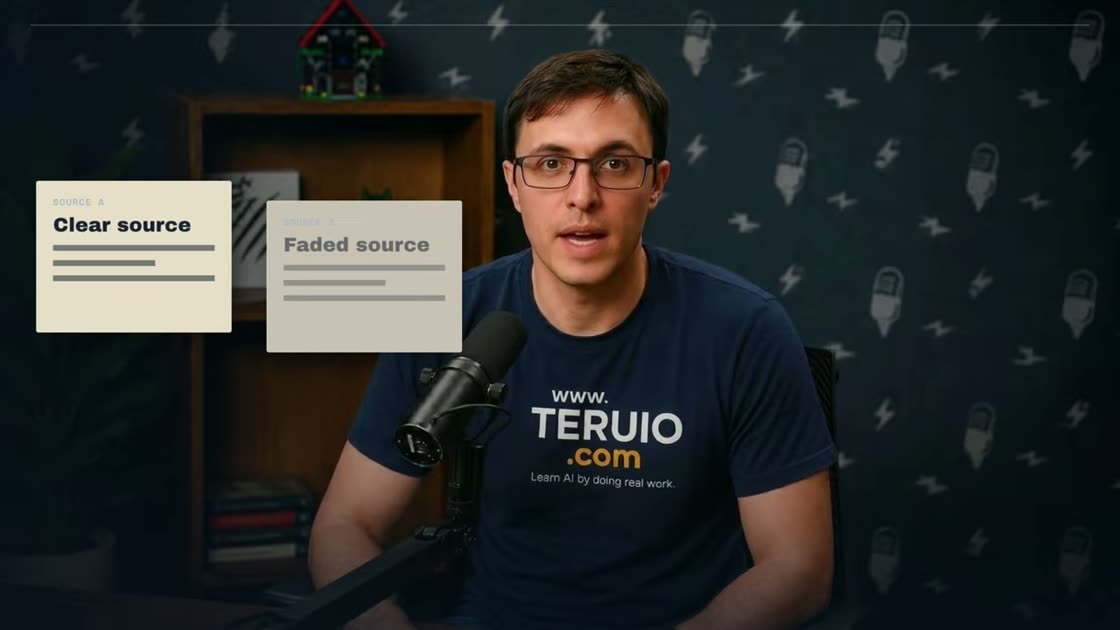
Thiago’s UPDF-sponsored video organizes scattered claim records, scans a receipt, tests OCR, and reviews AI extraction. The article preserves that disclosure and focuses on document handling rather than repeating subscription or device-limit claims.
What you’ll learn
Order documents, verify OCR, reconcile scanned files, and check AI-extracted information against the original PDF.
Before you start
Use a sample scan and a clean reference copy. Choose an amount and date you can independently verify.
1. Make an ordered working copy
Keep original files unchanged. Arrange copies in a meaningful sequence such as confirmation, notice, expense records, and supporting evidence. Merge them using the tools available in your PDF editor and confirm page order and completeness.
2. Run OCR and compare
OCR makes text in an image searchable, but inspect the recognized merchant, date, and amount against the scan. In the recording, a clearer receipt works better than a faded one. Preserve the original image when characters cannot be recovered reliably.
3. Scan and reconcile across devices
The video captures and rotates a receipt on a phone, saves it to the account’s cloud, and retrieves it on desktop. If using that method, confirm the file has synchronized and opens correctly. Use an approved storage location for sensitive documents.
4. Check extraction and the export
Ask AI for a specific table structure and source references, then compare important values with the PDF. The demonstration improves a vague extraction request with a clearer follow-up. Apply actual redaction when needed, rather than merely covering text with a shape, and inspect the exported copy before sharing.
Practice exercise — Test the weakest part of the scan
For practice, compare a clear receipt with a faded copy. Record the printed amount, extracted amount, and whether you can read each digit yourself. If the cents are illegible, record “amount unverified” and request a clearer copy. An extracted value with two decimal places can still be wrong.
Check your result
After exporting the working PDF, reopen it. Search for any text you intended to redact, inspect the affected page visually, and verify the page order before sharing.