ChatGPT · PRACTICAL GUIDE
Build a prompt library you can reuse and improve
Save proven prompts with input placeholders, expected outputs, review checks, and a weekly maintenance habit.
Watch the original tutorial
Open the original video on YouTube ↗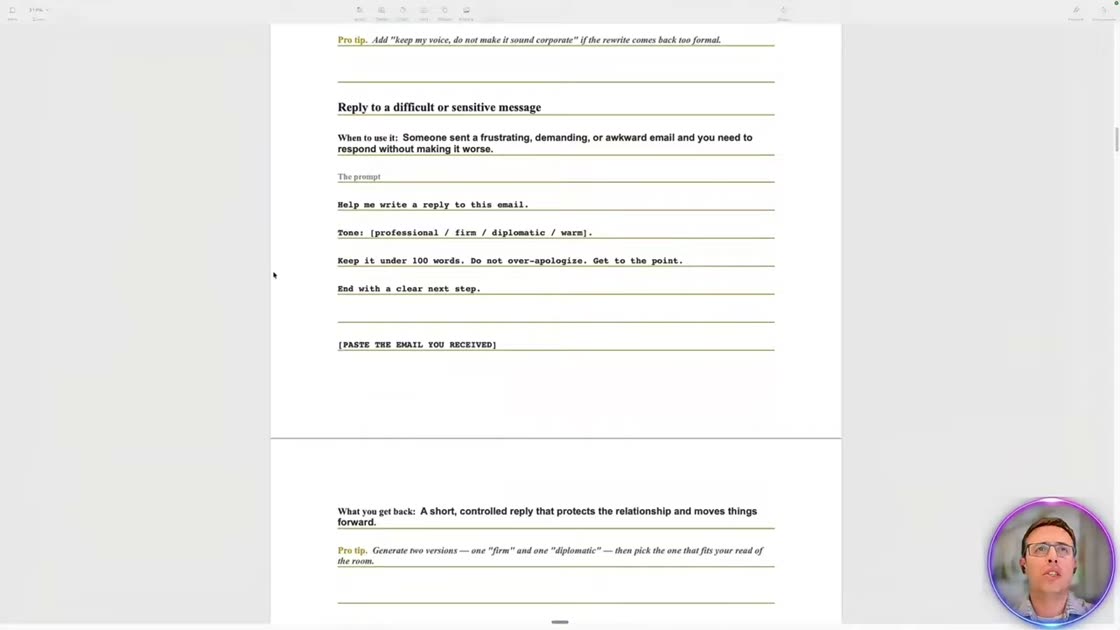
The video shows a library organized around recurring work, including email, meetings, research, reports, decisions, and planning. Its useful habit is saving not only the prompt but when to use it and what a good response should contain.
What you’ll learn
Save proven prompts with input placeholders, expected outputs, review checks, and a weekly maintenance habit.
Before you start
Open a blank document and find one prompt you have already used successfully twice. Keep its original inputs nearby.
1. Start with a prompt that worked
Choose a completed task whose result you reviewed. Save the final useful instruction rather than every message in the conversation. Record the situation it addresses and the input it requires.
2. Make the variable parts explicit
Replace changing details with clear placeholders for audience, dates, source files, and output length. Keep the instructions about evidence and uncertainty. Remove private details from any template you intend to share.
3. Describe the expected result
Add a short example structure, a checklist for review, and one troubleshooting tip. A colleague should be able to understand when to use the prompt, what to supply, and how to tell whether the answer is useful without asking you to reconstruct the original conversation.
4. Maintain the library weekly
Group entries by the work they support. Test revised prompts on a real example and note what changed. Archive obsolete versions separately. Begin with a few proven entries rather than collecting a large set you have never evaluated.
Practice exercise — Write your first library entry
Try an entry called “Reply to a difficult change request.” Add fields for the request, the agreed scope, the deadline, and the decision still needed. Ask for an acknowledgment, the constraint, and one next step. Save a test case where the deadline is unknown. The expected reply should ask for a date.
Check your result
Have a colleague try the entry without your chat history. If the reply depends on an old customer or deadline, replace that detail with a clearly named input field.


