Microsoft Copilot · PRACTICAL GUIDE
Prepare and test a recurring Copilot briefing
Define a source-backed meeting briefing, review a manual result, and specify the conditions for a recurring run.
Watch the original tutorial
Open the original video on YouTube ↗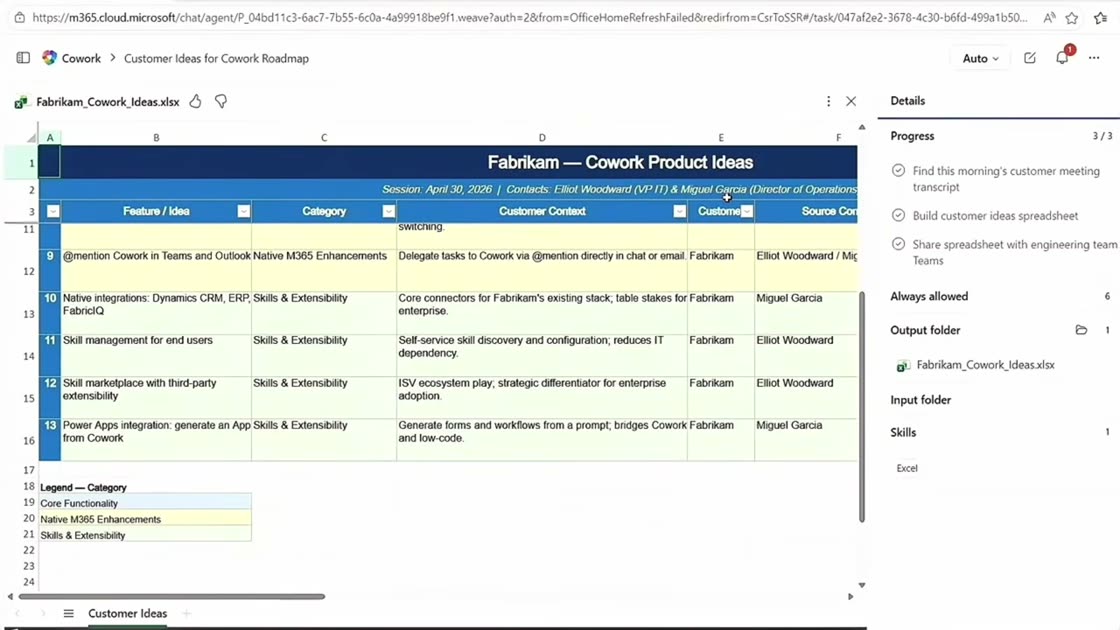
The video discusses mobile handoff, continuing work across devices, and scheduled briefings. Its examples include organizing customer feedback and preparing one-on-one agendas. This exercise concentrates on a briefing you can verify before making it recur.
What you’ll learn
Define a source-backed meeting briefing, review a manual result, and specify the conditions for a recurring run.
Before you start
Pick one recurring meeting and a small set of updates you are allowed to use. Decide which dates the next brief should cover.
1. Define one briefing
Choose the person, meeting, and date range. List the authorized sources and the sections you need: recent commitments, unresolved issues, proposed agenda, and questions. Specify that it should prepare drafts and identify gaps.
2. Run a manual example
Supply or select the relevant sources using the capabilities available in your account. Ask for a source reference for each agenda item. If meeting transcripts or emails are unavailable, make that limitation visible instead of allowing the tool to fill it with general assumptions.
3. Inspect the handoff
Open the agenda and any created spreadsheet or document. Confirm the person, meeting date, source period, and unresolved actions. If continuing on another device is supported, confirm that you are viewing the same assignment and saved output before adding instructions.
4. Schedule after review
Check your account’s actual scheduling controls and usage terms. Set a frequency, local time zone, date range, output location, and behavior when a source is unavailable. Verify the first scheduled result and its evidence. Pause and correct the method if repeated errors appear.
Practice exercise — Test two runs before scheduling
For a practice one-on-one, give the assistant two notes: “Tuesday: waiting on design sign-off” and “Thursday: design approved; QA still open.” Ask for one resolved item and one discussion question with a source date beside each. Thursday supports both the approval and a question about QA. Repeat with no new notes and check that the assistant reports the gap.
Check your result
Open the deliverable on the second device and check the underlying sources there. If a link is inaccessible, correct the source permissions or omit it before relying on a recurring brief.


